Construction drawings
Technical Drawing: What It Is, How It Works, and When You Need It
Snel Kwaliteit Tekenwerk12 November 202510 min readupdated 24 June 2026
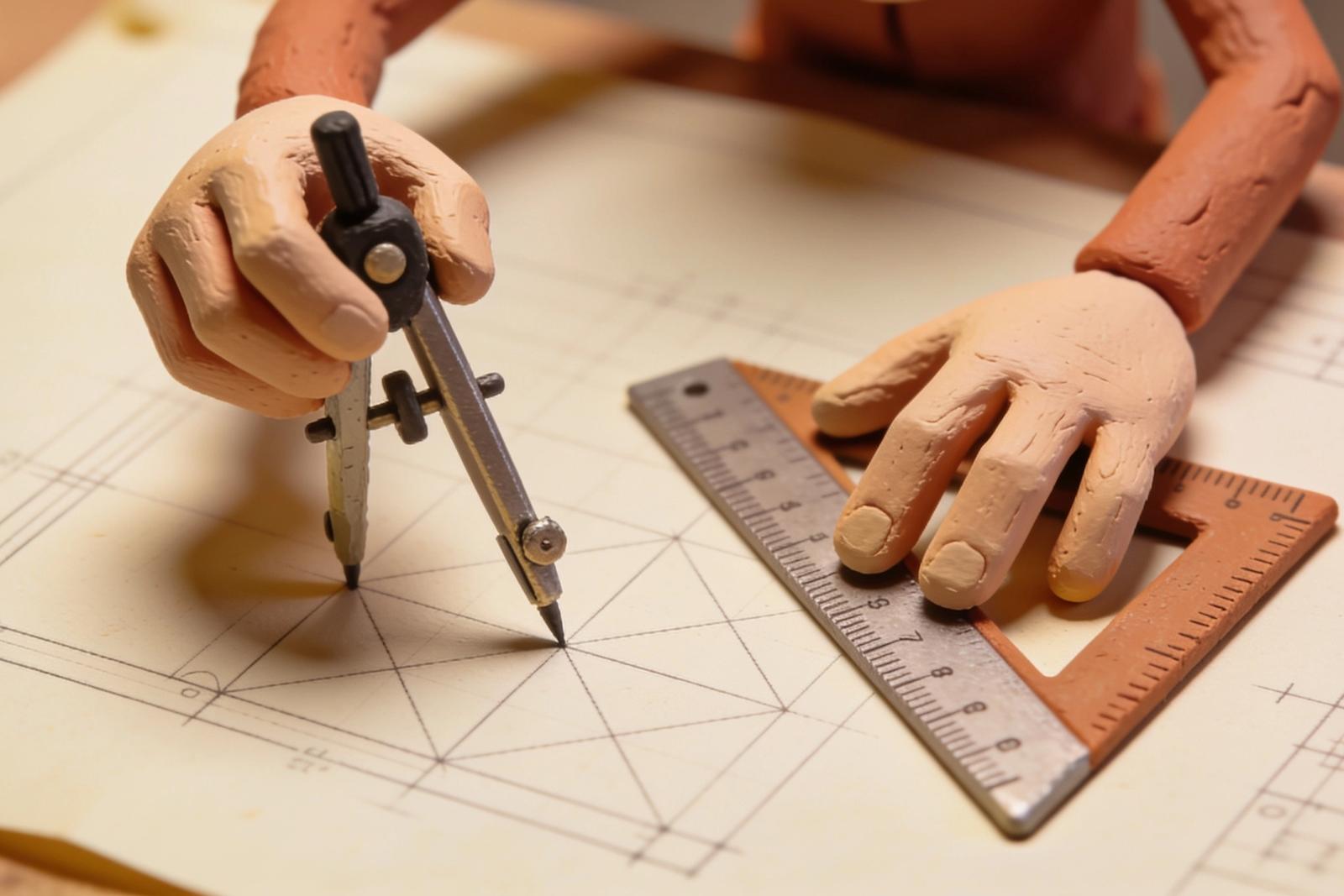
A technical drawing is a true-to-scale, standardised representation of a building project. Drafters use fixed line types, symbols, and dimensioning so that contractors, structural engineers, and municipalities can read and assess the drawing without ambiguity.
A technical drawing is more than a neat sketch on paper. It is the formal communication tool between you as the client, the contractor who builds, the structural engineer who calculates, and the municipality that assesses. Without a correct, complete technical drawing every permit application is delayed and no contractor can build without risk of errors.
In this article you will read exactly what a technical drawing involves, which components and symbols it contains, which standards apply, how modern software supports the process, and when to have professional drafting done.
What is a technical drawing?
A technical drawing is a true-to-scale, standardised graphic representation of a construction design or structure. Unlike a free sketch, every line, symbol, and dimension has a fixed, agreed meaning. This makes the drawing readable for everyone involved in the building process, regardless of background or discipline.
The core of a technical drawing is precision. Where an error in an ordinary drawing is at most aesthetically jarring, an error in a construction drawing can lead to structural problems that cost thousands of euros to fix later. Accurate dimensioning, consistent symbols, and complete legends are therefore not a luxury but a requirement.
Types of technical drawings for building projects
Depending on the purpose and phase of a project, there are different types of technical drawings:
Site plan. An overview of the plot and its immediate surroundings, showing the position of the building in relation to plot boundaries and the public road. Always required for a permit application.
Floor plan. A horizontal cross-section of the building at a given height. Shows the layout of spaces, the location of walls, doors and windows, and all relevant dimensions.
Elevation view. A vertical representation of the exterior of the building. Shows height, material choices, and window arrangement from all sides.
Cross-section. A vertical cross-cut through the building. Provides insight into floor heights, wall construction, and roof structure.
Detail drawing. An enlargement of a specific element or connection. Essential for structural details that are too small to read correctly on a general drawing.
Each type has its own purpose and required level of detail. For a planning permit, the site plan, floor plans, all elevation views, and at least one relevant cross-section are typically required.
Basic components: line types, symbols, and scale
Line types
Technical drawings use a fixed set of line types, each with its own meaning:
- Solid, thick lines: visible edges of the structure
- Solid, thin lines: dimension lines and construction lines
- Dashed lines: non-visible or hidden elements
- Dash-dot lines: centre or symmetry lines
By applying these line types consistently, builders and municipal officials can interpret the drawing without additional explanation.
Symbols
Standard symbols indicate in compact form what is present or happening at a location. Think of symbols for doors with direction of swing, windows with opening type, sanitary fittings, staircases, radiators, and electrical points. CAD software contains extensive libraries of standardised symbols. The legend on the drawing explains what each symbol means.
Scale and dimensioning
The scale indicates how the drawn representation relates to reality. A floor plan at 1:100 means that 1 centimetre on paper corresponds to 100 centimetres, or 1 metre, in reality. Detail drawings are drawn at larger scales, such as 1:20 or 1:10, so that fine connections remain legible.
Dimensioning consists of dimension lines, extension lines, and dimension annotations. Correct dimensioning means that all partial dimensions add up to the total dimension and that there is no room for interpretation. Inconsistent dimensions are one of the most common causes of problems in both permit applications and execution.
Projection methods
Technical construction drawings use orthogonal projection: all lines are drawn parallel, without perspective. This keeps proportions and dimensions always correctly readable, regardless of which part of the drawing you look at. Three standard views together give a complete picture: top view (floor plan), front view (elevation), and side view or cross-section.
Standards and regulations
In the Netherlands, several standards apply to technical construction drawings:
NEN 2574 describes how dimensions on construction drawings must be indicated: the position of dimension lines, the use of extension lines, and the notation of units.
NEN 1413 standardises the symbols used in installation drawings, such as for electrical, sanitary, and heating systems.
NEN-EN-ISO 7519 sets international principles for the layout and content of construction drawings. This standard aligns with European and international exchange.
In addition to these standards, the Building Decree sets requirements for what must be shown on drawings for permit-required work. Municipalities assess permit applications against these requirements, meaning that an incomplete or non-conforming drawing immediately leads to questions or rejection.
Software and digital formats
The era of drawing boards and paper alone is over. Professional technical drawings are today almost always produced digitally.
CAD software (Computer Aided Design) is the standard. Programmes such as AutoCAD work primarily in 2D and produce exact, true-to-scale drawings. Adjustments are made quickly and dimensions update automatically when changes are made.
BIM (Building Information Modelling) goes further than drawing. In a BIM model, every element contains not only geometric information but also data about materials, costs, maintenance, and planning. BIM is the standard for larger projects and facilitates collaboration between drafters, structural engineers, and installers in a shared digital model.
The most commonly used file formats are:
- DWG: Standard CAD exchange format
- PDF: Submission to municipality, readability for all parties
- IFC: BIM exchange between disciplines
- PDF/A: Long-term archiving
For submission for a planning permit, most municipalities require drawings as PDF. DWG is exchanged when a contractor or structural engineer needs to edit the drawing further.
From sketch to final drawing: the process
A professional technical drawing is produced in steps.
1. Establishing the assignment and requirements. What type of drawing is needed, for what purpose, and what requirements must it meet from the municipality or client? This also determines the required scale and level of detail.
2. Sketching and concept development. Rough sketches establish the main lines and make it possible to compare variants early in the process. Errors found in the sketch phase are inexpensive to correct.
3. Elaboration in CAD. The sketch is converted into an accurate digital drawing. Line types, symbols, dimensioning, and legends are applied consistently according to the applicable standards.
4. Check and revision. A systematic check verifies that all dimensions are correct, the legend is complete, all required views are present, and the drawing meets the requirements of the Building Decree and the municipality.
5. Delivery and archiving. The final drawing is delivered in the agreed formats. A copy remains archived for future reference during renovations or refurbishments.
When do you need a technical drawing?
The most common situations in which a technical drawing is required or strongly recommended:
Permit-required renovations. An extension, dormer, facade change, or placing a roof addition almost always requires a planning permit. The municipality cannot assess the application without complete drawings.
New construction. Every new-build home or commercial property needs a complete set of technical drawings for the planning permit and as a work instruction for the contractor.
Working drawings for execution. Even when no permit is required, a technical drawing helps prevent misunderstandings. Contractors and installers work more accurately and quickly when they have a clear document to fall back on.
Redevelopment or sale and purchase. When buying, selling, or splitting a property, technical drawings provide insight into the structural build-up and help assess renovation possibilities.
How SK Tekenwerk works
SK Tekenwerk makes construction and technical drawings for private clients, contractors, and project developers. After an initial quote consultation via /offerte/, we elaborate the drawings in CAD and deliver permit-ready documents. The drawings are tailored to the specific requirements of the municipality of the project, so that the application is complete first time.
In addition to construction drawings, we also produce cadastral drawings and can digitalise or re-survey existing drawings via our archive service. For more background, read our article on requesting construction drawings when you are looking for historical documents about your property.
Summary
A technical drawing is a true-to-scale, standardised document that forms the link between design and execution. The combination of correct line types, standardised symbols, complete dimensioning, and compliance with NEN standards determines whether a drawing is usable for a permit application and as a work instruction. Digital CAD and BIM software has made the drawing process faster and more accurate, but the basic principles, scale, projection, and consistency, remain unchanged. Want to know what your project requires? Request a no-obligation quote at /offerte/.